
Is SketchUp Free Good for Woodworking Projects?
If you’ve ever looked at SketchUp Free, you’ve probably thought: “This seems cool, but it’s free, so what’s the catch?”
Let’s talk about what SketchUp Free can do for woodworking projects, what it can’t, and whether it’s worth your time to learn.
What Should I Build Next?
That's the question I help answer.
Every week, I send woodworking ideas to 17,000 DIYers who love building things.
You'd fit right in.
This article contains affiliate links. If you purchase from these links, I may earn a small commission at no additional cost to you. Visit my site policies for more information.
What Is SketchUp Free?
SketchUp is the 3D modeling software I use to design my projects. If you’ve seen a plan on my site, chances are I created it in SketchUp.
SketchUp Free is the web-based version. There’s nothing to download. You just open it in your browser and start modeling.
What SketchUp Free Can Do for Woodworking Projects
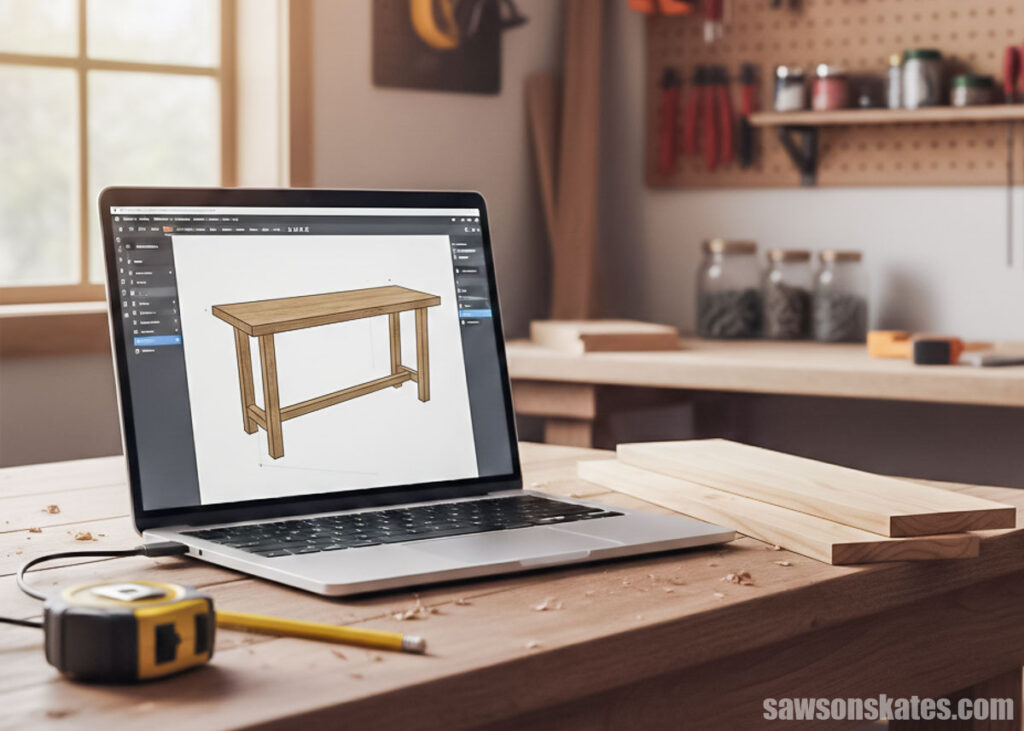
SketchUp lets me build my entire project on the computer before I cut a single board. Instead of sketching on paper and hoping my measurements work, I build the entire project digitally, board by board, using real dimensions, making sure everything fits before heading to the shop. From bookcases to desks to cabinets and hutches, I can visualize the whole piece in 3D.
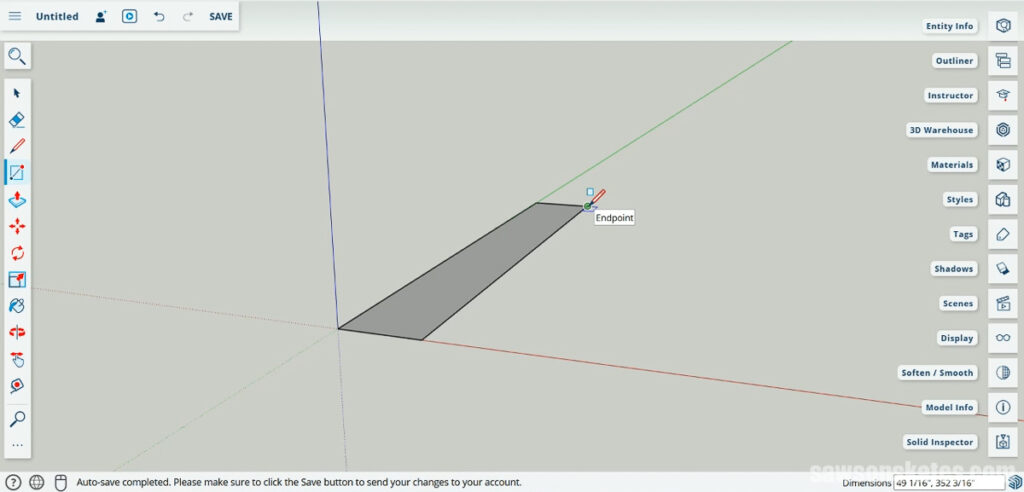
Let’s say I want to build a rustic table out of 2x4s. In SketchUp, I can assemble the whole thing on-screen. The top, the legs, the aprons, the stretchers. I model each board at its actual size, so there are no surprises later.
Once it’s built digitally, I can orbit around the project like a drone, look underneath, zoom in on the joints, and make sure everything fits together correctly.
- If something doesn’t line up, I can fix it.
- If I forgot to account for material thickness somewhere, I can tweak it.
- If the proportions feel off, I can adjust them in minutes.
And if my project has doors or drawers, I can check the clearances before I ever cut the parts.
It also lets me step back and ask bigger questions. Do I like the proportions? Should the top be thicker? Does this design even look the way I pictured it?
Modeling my project in SketchUp helps me think through the build ahead of time, so I’m not figuring it out with a pile of lumber in front of me.
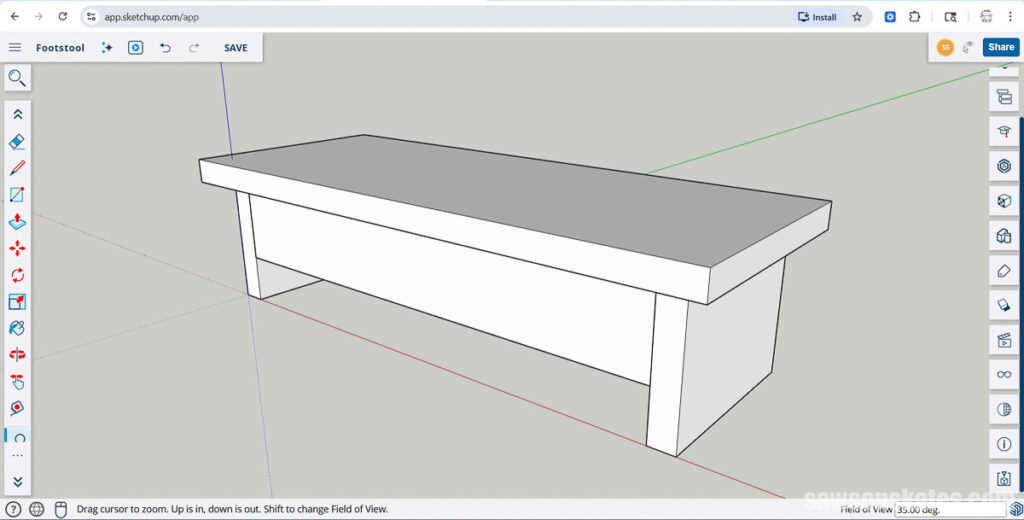
What SketchUp Free Doesn’t Do
Now, there are limits.
This isn’t specific to the free version, but if you’re just getting started with SketchUp, I recommend using a desktop or laptop computer with a mouse. You could use a tablet, but the smaller screen and touch controls make it harder to be precise. A mouse gives you much better control.
SketchUp Free runs in your browser, so you’ll also need an internet connection. There’s no offline desktop version unless you upgrade to a paid plan.
But the biggest drawback for some woodworkers is this: there’s no built-in way to generate a cut list.
A cut list is basically a parts list, what pieces you need to cut, how many of each, and their sizes.
Some of my readers have told me they can’t build without one. So if you’re someone who relies heavily on a cut list, that’s worth knowing.
One option is to create it manually with a spreadsheet. Look at your SketchUp model, group parts by thickness for sheet goods or by width and thickness for boards, then list the part name, quantity, and rough and finished lengths for each.
It takes a little extra time up front, but it can save you time and frustration in the shop.
When SketchUp Free Makes Sense
If you want to move from paper sketches to something more precise, it’s a great place to start.
If you’re a woodworker building projects for your own home, it’s probably more than enough.
If you just want to see your project in 3D and make sure everything fits before building, you don’t need anything more than the free version.
That’s where SketchUp Free fits really well.
My Honest Take as a Woodworker
I’ve been using SketchUp since around 2010 or 2011, even before the free web-based version was a thing. So yeah… it’s been a while.
I use it to design nearly every project I build. And even some that I don’t.
I have countless models sitting there that I might build someday. Modeling in 3D sometimes scratches the itch to build when I can’t make it into the shop.
A friend of mine used to plan activities at a retirement home. She said one of the residents’ favorite activities was planning a trip, even though they weren’t actually going anywhere. They’d pick a destination, and she’d gather road maps (back when those were a thing), brochures, all the planning stuff, and they’d have a blast just mapping it out.
Designing in SketchUp is kind of like that for me sometimes.
But it’s also about working through the build before I start cutting wood.
Over the years, it’s helped me catch more mistakes than I’d like to admit. Proportions that looked fine in my head but didn’t work in reality. Parts that didn’t line up the way I thought they would. Clearance issues with doors and drawers.
That’s where SketchUp shines.
So, Is SketchUp Free Good for Woodworking?
If you’re building furniture for yourself and want to model your projects before heading to the shop, yes. For most DIYers, SketchUp Free is more than capable.
You can design full projects, check proportions, work through joinery, and make sure everything fits together before you even buy the lumber.
If you’re curious and want to try it for yourself, I put together a beginner-friendly class that walks through modeling your first woodworking project step by step using the free version. You can check it out here.
Final Thoughts
If you’ve been thinking it’s time to upgrade from paper and pencil sketches, it’s hard to beat seeing your project in 3D.
For me, it’s become part of my design process. Sometimes it saves me from mistakes. Sometimes it helps me dial in proportions. And sometimes it just scratches the itch to build when I can’t make it into the shop.
If you’ve been on the fence about trying it, there’s really not much to lose. Open it up, model something simple, and see how it feels.
I’m betting it becomes part of your process, too.

Hi there – I’m Scott, a woodworking enthusiast and creator of Saws on Skates, a site I started in 2015 to share easy-to-follow tutorials, space-saving shop tips, and project inspiration for DIYers at any skill level. Learn more about my woodworking journey here.