DIY Halloween Stacked Pumpkin Shelf Sitter
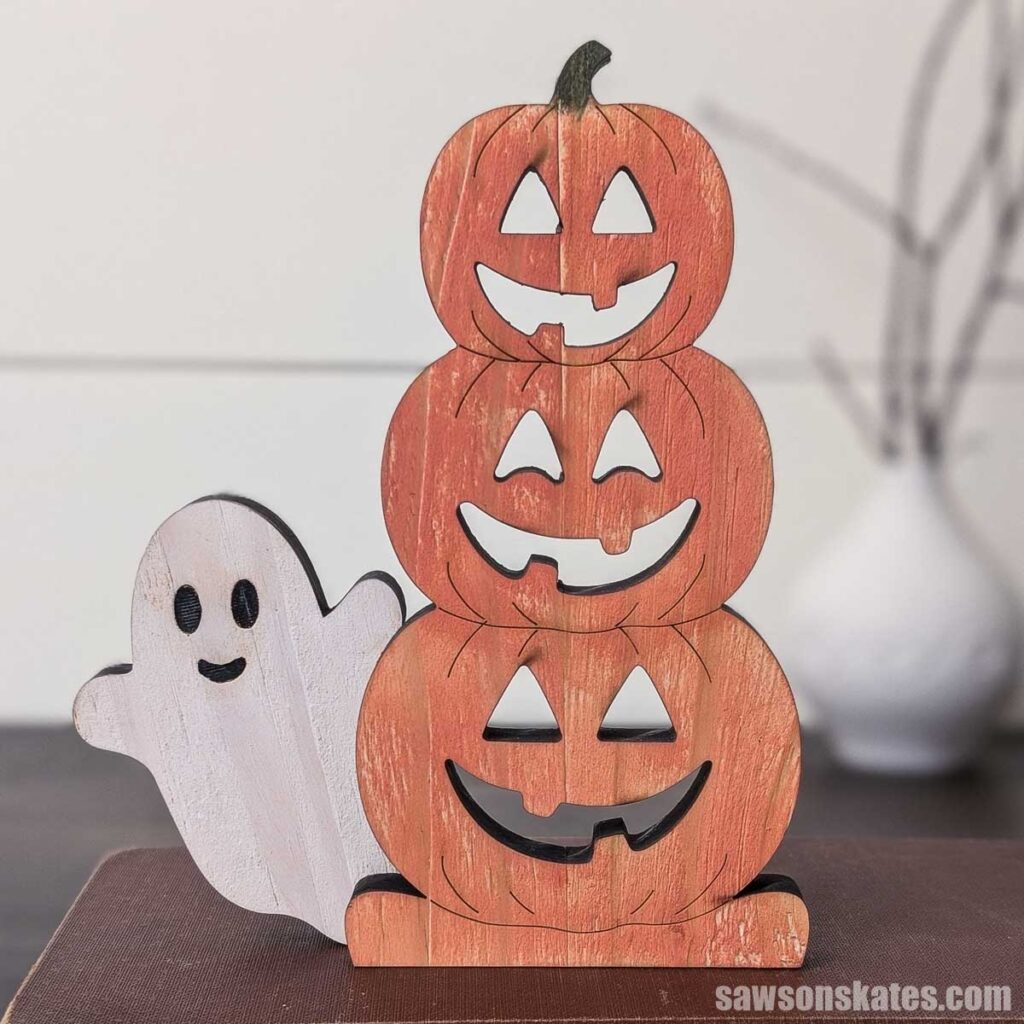
Make an adorable stacked jack-o’-lantern shelf sitter. This easy project is a fun way to use your scrap wood for Halloween.
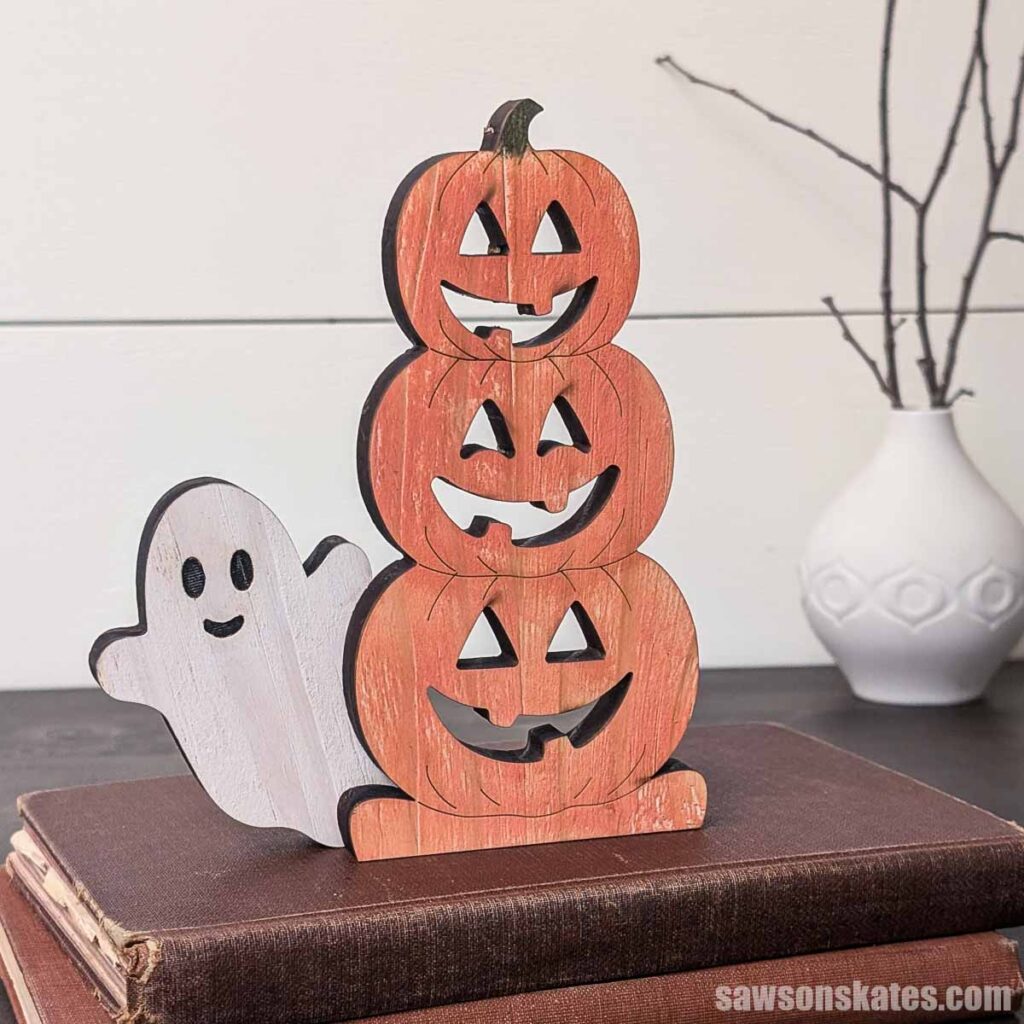
If you’re like me, you probably have way more project ideas than you’ll ever have time to build. Case in point: I had a fun idea for a trio of stacked jack-o’-lanterns. I even had the perfect name picked out, “Stacked Jacks”! The only problem is, I didn’t think I would have a chance to build them. But the idea felt too good not to share.
So, last year I tried something different. I used AI to create a “finished” photo to help you see what the project could look like once built.
Fast forward to this year. After running some tests with my xTool P3, I thought, I bet I can laser cut those Stacked Jacks. And that’s exactly what I did. I even added a ghost for this new version!
Want to make your own? You can grab the cut files below.
xTool provided the P3 laser cutter I used in this project. All opinions are my own.
And I’m going to head you off at the pass if you’re thinking, “But I don’t have a laser cutter.” Well, you could do the same thing with a scroll saw; it will just take longer.
This article contains affiliate links. If you purchase from these links, I may earn a small commission at no additional cost to you. Visit my site policies for more information.
Keep it Basic or Customize
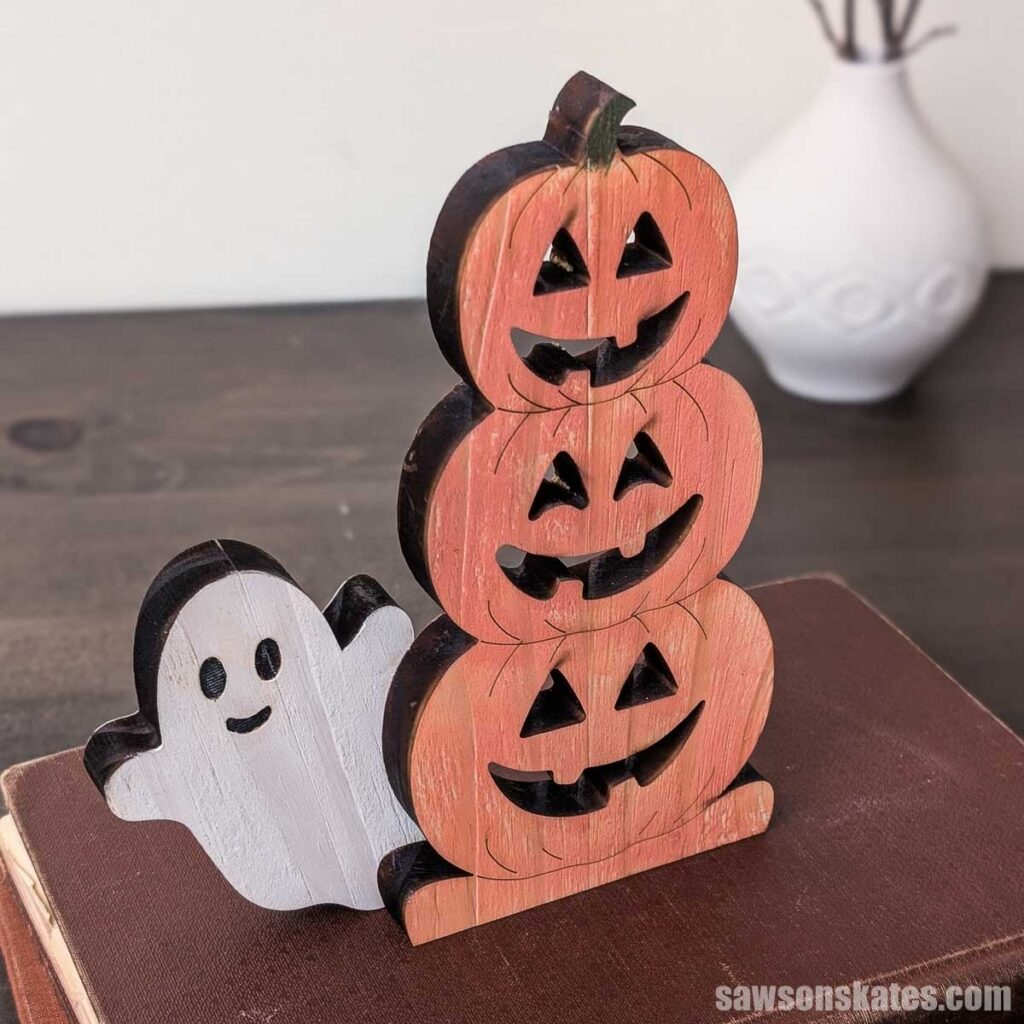
I kept my pumpkins pretty basic with craft paint, but you can give yours a cozy glow with a battery-operated tea light or fairy lights.
TIP: Since this project is made of wood, only use flameless LED candles. Never use real candles. They’re a fire hazard!
Step 1. Trace the Design
I dragged my “stacked jacks” template into xTool Studio (the software that works with xTool products like the P3). I chose “trace,” which gave me the shapes. Then I exported those shapes as the cut files.
Step 2. Set Up the Cuts
I’d usually choose the material type, but I’m using ½” pine. I checked, and while the material library has ½” pine plywood, it doesn’t have solid pine. So I left the material set to unknown.
Now, I’ve run some tests, so I know what power and speed settings work for me. But if you’re not sure what settings to use, I’d recommend running a material test array. It’s a grid the laser burns onto a piece of scrap, and each square uses a slightly different mix of power and speed. When it finishes, you look over the grid and pick the square that cut or engraved the way you wanted. Then, enter those settings for your project.
Next, I selected the outside edge and all of the faces and set them for cut. I’m not going to share my settings, because they’ll be different for every machine and material, so your best bet is to run that test array.
Then I chose all the detail lines and set them for score.
I used similar settings for the ghost. I set the outside for cut, but the eyes and mouth for engrave.
What’s the difference between cut, score, and engrave? Cut sends the laser all the way through the wood to separate a piece. Score keeps the laser on the surface and burns a thin line, which is how I did the detail lines on the pumpkins. Engrave burns an area away a little at a time, which gives you the darker, recessed look I used for the ghost’s eyes and mouth.
Step 3. Cut Out the Pumpkins and Ghost
Next, with the P3 on, I placed my board on the bed and locked it in place. The P3 has air assist, which blows a steady stream of air right at the spot the laser is cutting. It clears away smoke and debris so the beam stays clean. That same stream of air can also nudge or lift a board that isn’t held down, so locking your material is an important step.
This is a good spot to mention that I’m using a scrap piece of pine that’s about 3-½” wide. But the cool thing is, in xTool Studio I could make this project almost any size. The bed is about 18 x 36 inches, so I could easily scale the Stacked Jacks cut file up into a porch leaner.
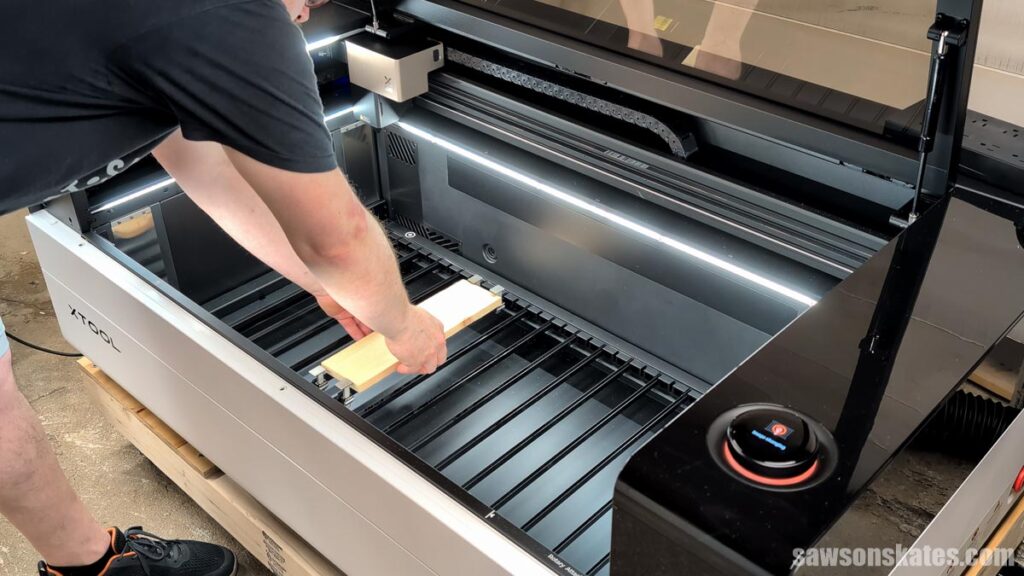
Then I wait for the light in the lid to turn green, which means the P3’s cameras detected the material, and the dial confirms the material was detected and tells me to close the lid.
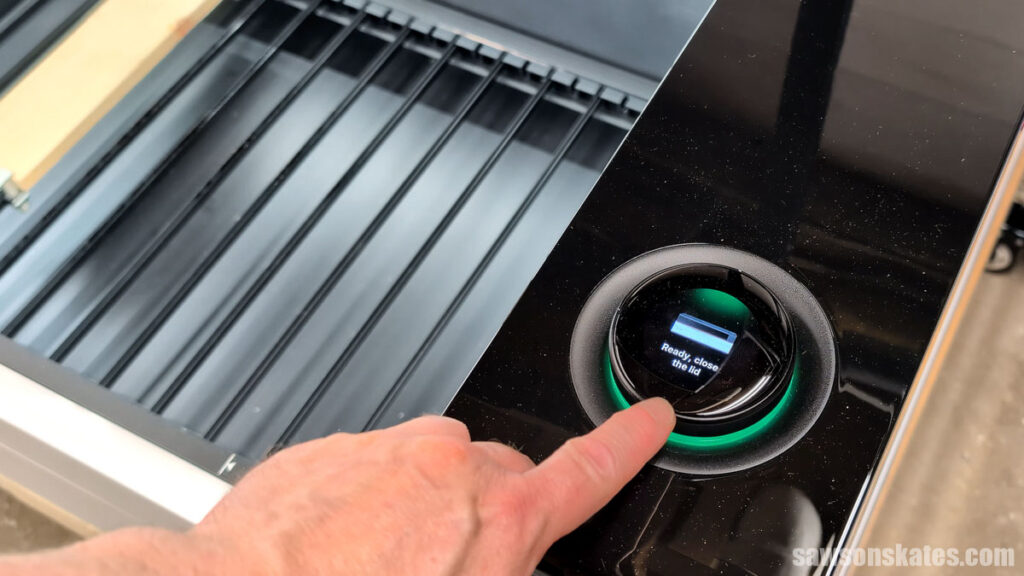
The machine measures the material thickness on its own, raises the bed, double-checks the measurement, and tweaks the bed height if needed. All by itself!
The P3 shows a live view of what’s on the bed, so I can position my pumpkins and ghost on the board.
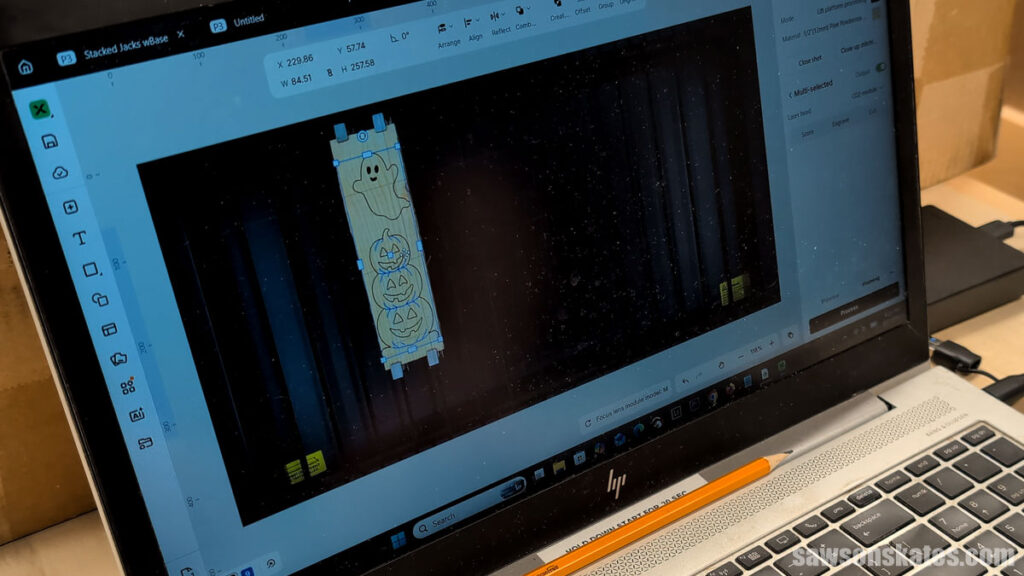
Then I click process and start, which sends everything to the machine. On the machine, I press the dial to process, and we’re off and running!
The laser is burning through the material, so there’s a real fire risk here. Do not leave the machine while it’s running. The P3 has onboard fire suppression, but it needs a CO2 cylinder to work, and that doesn’t come with the machine. I’m having one shipped to me, so off camera, I’m on standby with a fire extinguisher.
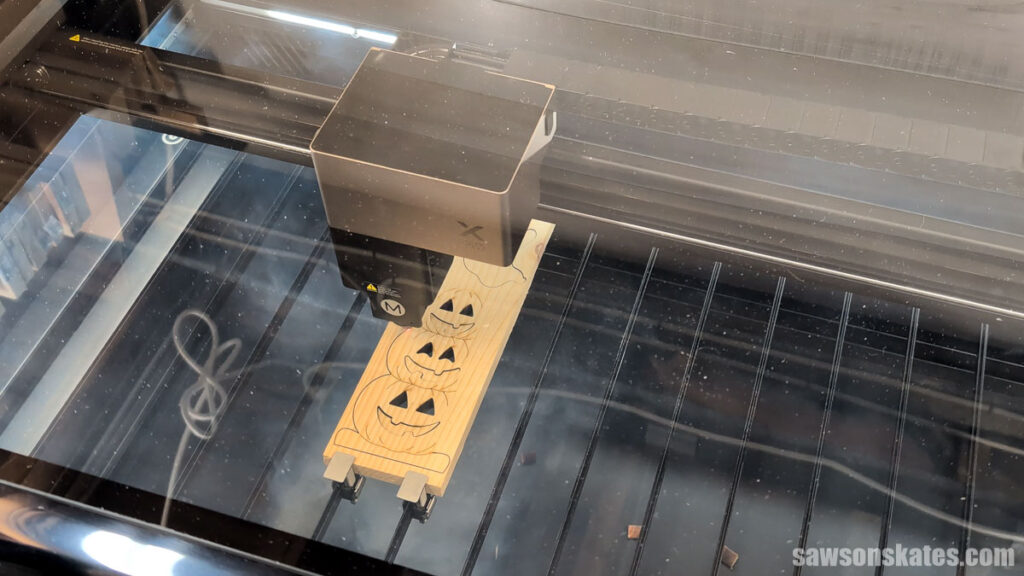
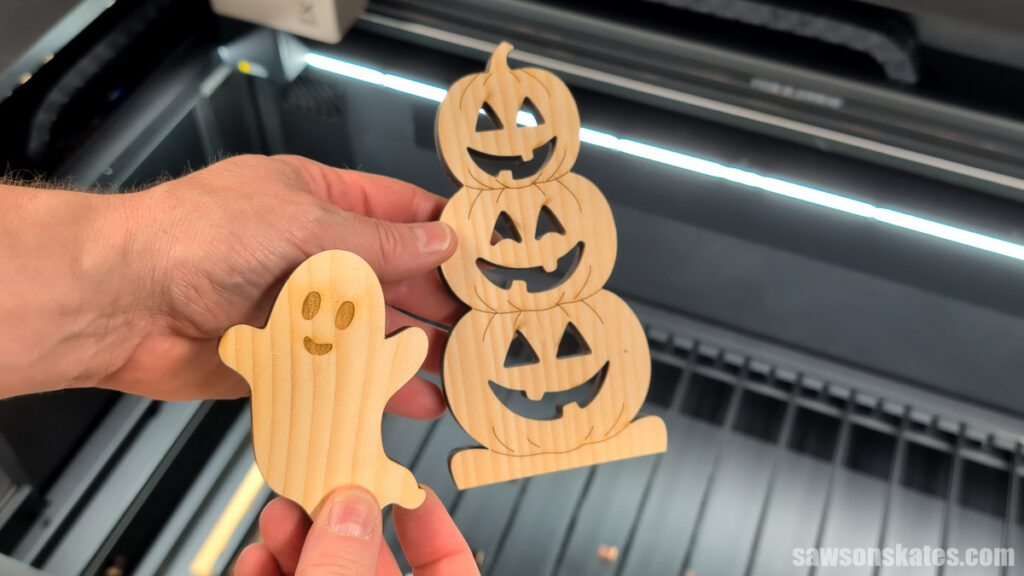
Less than five minutes later, I have a ghost and a set of stacked jacks. That’s it. Nothing to sand. I’m ready to move on to the next step.
And I can run it again if I want to. Actually, I will, because I’m going to make more of these for a craft show.
Step 4. Add Color
I wanted to add some color, but still have it look like wood, so I mixed 50/50 craft paint and water. I dipped a piece of an old t-shirt and wiped it onto the wood. I repeated this for the ghost. Once the paint was dry, I applied a bit of wood glue, positioned the ghost, and clamped it in place.
It’s funny how some things are more noticeable in pictures than in person. Take the scorching, for instance. Scorching is the light browning you sometimes get on the surface around a cut or engrave line, where the heat and smoke mark the wood as the laser passes.
It didn’t seem that noticeable in person, but now it’s all I can see. I’m still relatively new to laser cutters, and there are ways to cut down on scorching, so that’s something I’ll be working on for future projects.
Video
Here’s a quick overview of this project.
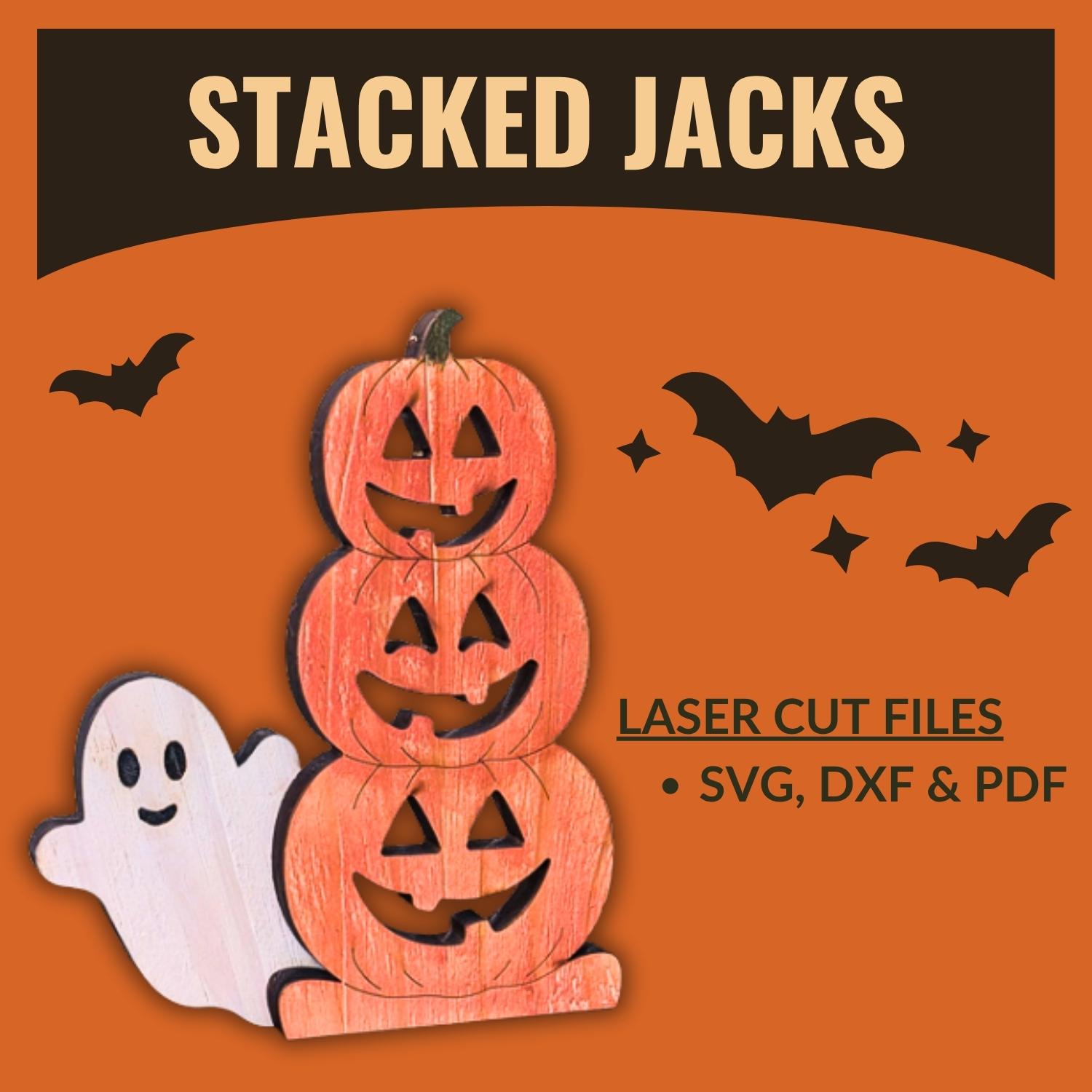
Cut Files Include:
- SVG, DXF, and PDF
- A reference sheet with the color codes and finished measurements
Recommended For You
Pin This For Later